
ZTL Mattermost
What is Mattermost?
Mattermost is an open-source platform for team communication and collaboration. It works similarly to Discord or Slack, but is self-hosted by us and therefore independent of major third-party providers. At ZTL, we use Mattermost to exchange ideas, coordinate projects, and discuss topics related to the association—whether digitally or on-site in the space.
Mattermost supports:
- Text messages in channels and direct messages
- File attachments such as images, PDFs, or code snippets
Who can participate?
Anyone can register and join the platform. ZTL members also receive access to protected channels that are invisible to non-members.
How do I register?
- Open the ZTL Mattermost page in your browser.
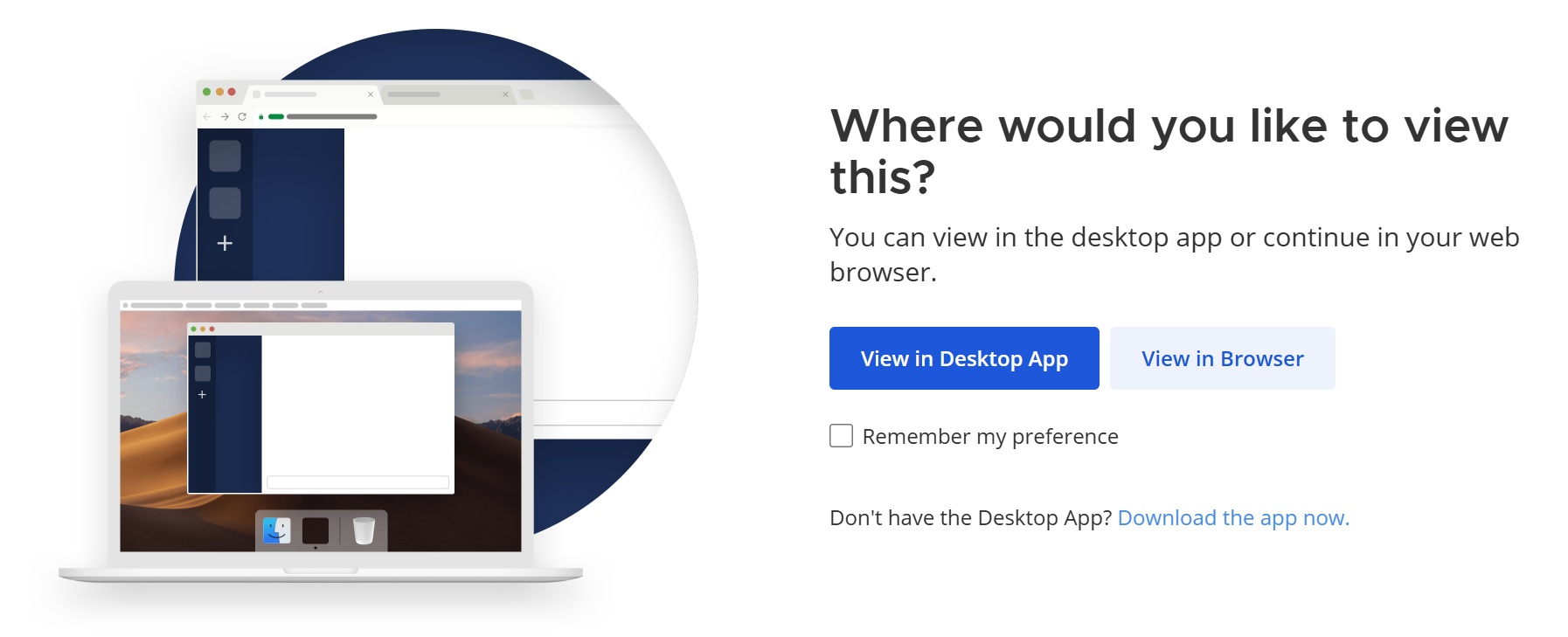
- Start by clicking View in Browser
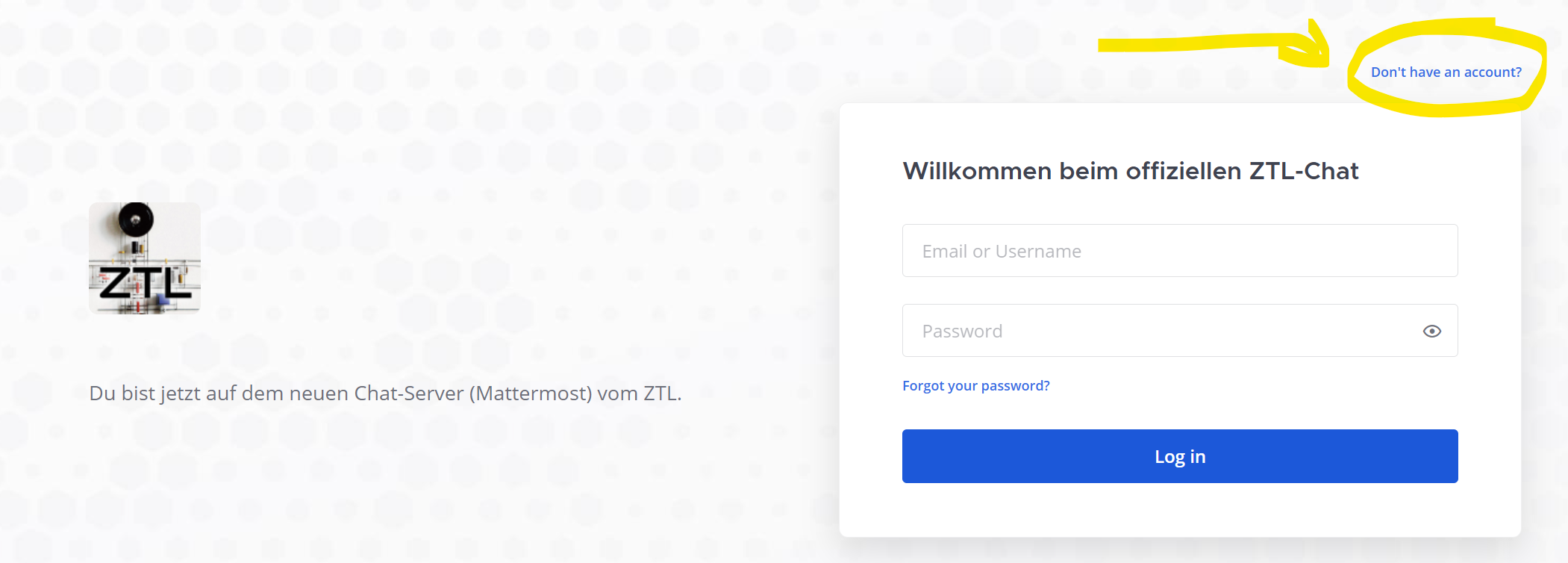
- Click on Don’t have an account? and follow the instructions to set up your account.
- Enter your email address, choose a username/nickname, and create a password.
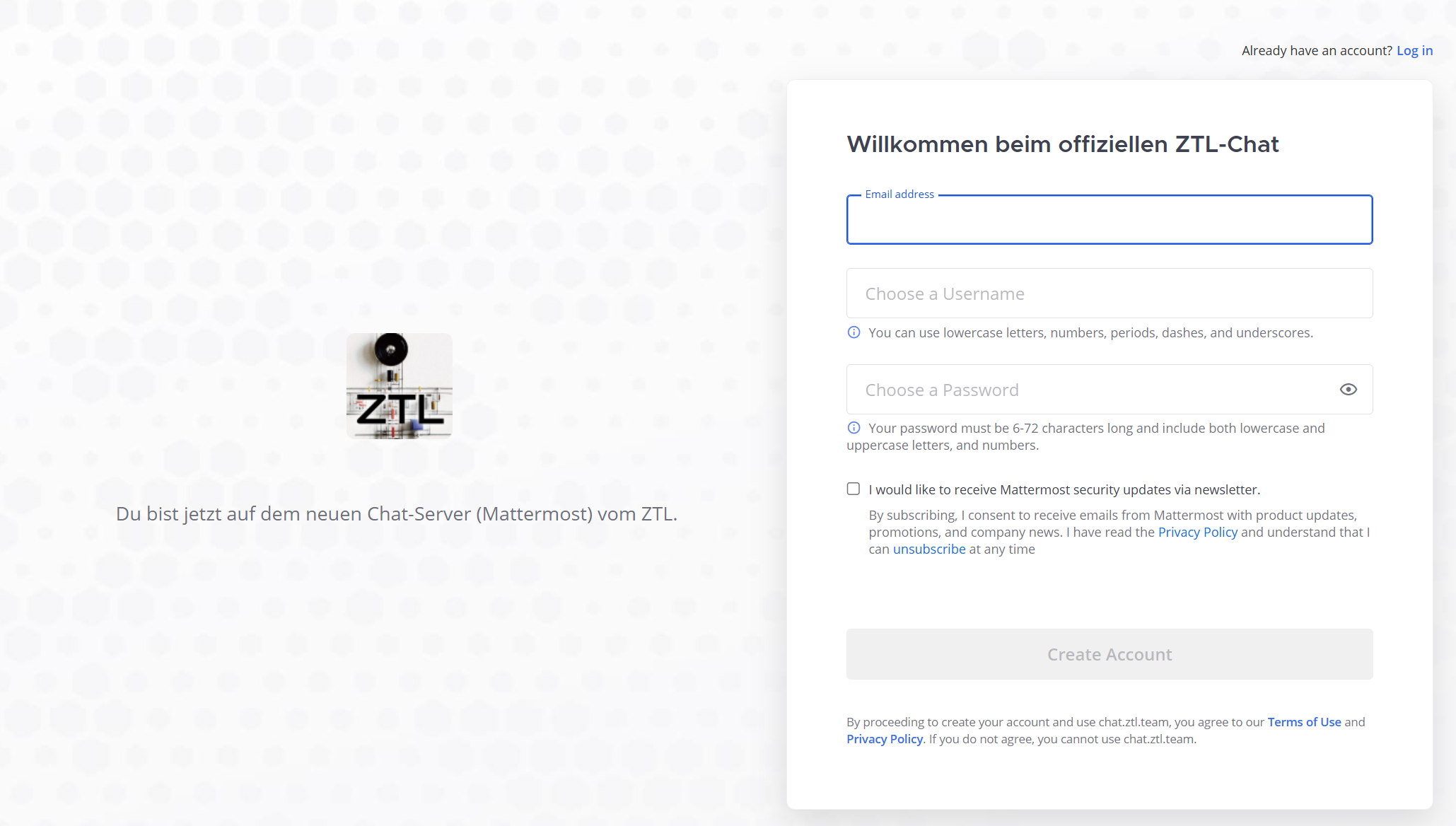
- Complete the registration with Create Account. You should now receive a confirmation email at the address provided. After confirming your email address, you can log in immediately.
How do I log in?
- Open the ZTL Mattermost page in your browser.
- Start with ‘View in Browser’
- Enter your login credentials and confirm with Log in.
- Optional: Download the desktop or mobile app and log in with the same credentials to receive notifications in real time.
Basic Features
Channels
Channels are topic-based chat rooms. There are public channels that anyone can join, and private channels for smaller groups or specific topics.
- Public channels: Starting point for new members, e.g.,
#welcome,#ztl_vereins_termine, or#ztl_space_weristda. - Private channels: Reserved for ZTL members, e.g.,
#ztl_space_werkstatt,#ztl_space_besprechungsraum, or project-specific channels.
Direct Messages
With direct messages, you can chat with individual members privately—similar to other messaging apps.
Formatting Messages
Mattermost uses Markdown. This allows you to format text in bold or italic, insert links, and use code blocks:
**bold**
*italic*
`Code`
Sharing Files
You can drag and drop files into a conversation or upload them using the paperclip icon.
Search
Use the search function in the top left to quickly find past messages, files, or channels.
Notifications
In the settings, you can customize when and how you want to be notified—for example, only for @mentions or in specific channels.
Getting Started Tips
- Introduce yourself briefly in
#welcome. - The channel
#ztl_space_weristdashows who is currently in the space and you can simply say hello. - The channel
#ztl_vereins_termineannounces upcoming events and dates. - Browse the channel list and join the topics that interest you.
- Use
@nameto address a specific person directly. - Don’t hesitate to ask questions—at ZTL, we are always happy to help each other!